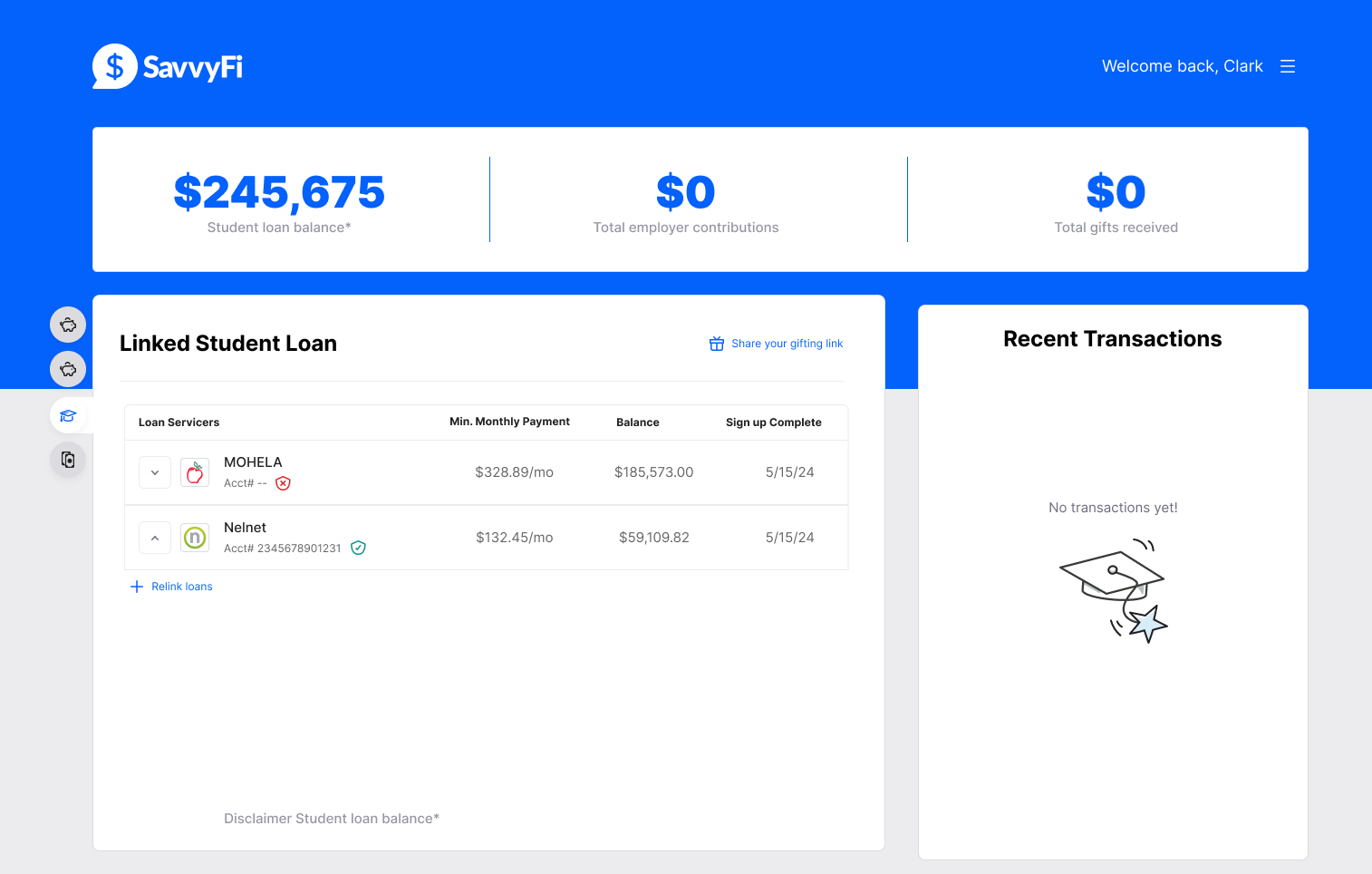
How to relink your loans to SavvyFi:
- From the dashboard, click “Relink Loans”.
- Enter your phone number.
- Enter the 6-digit code sent to your phone.
- Review the student loan data we've found and enter the account number and payment zip code for each loan.
- Click “Done” to connect your loans to SavvyFi.
Please reach out with any questions or if you need assistance: support@savvyfi.co.
Was this article helpful?
That’s Great!
Thank you for your feedback
Sorry! We couldn't be helpful
Thank you for your feedback
Feedback sent
We appreciate your effort and will try to fix the article