You can sign up for SavvyFi with either your work email address or a Promo Code.
- Sign Up
- Work email: Click here to sign up with your work email.
- Promo Code: Click here to sign up with a Promo Code.
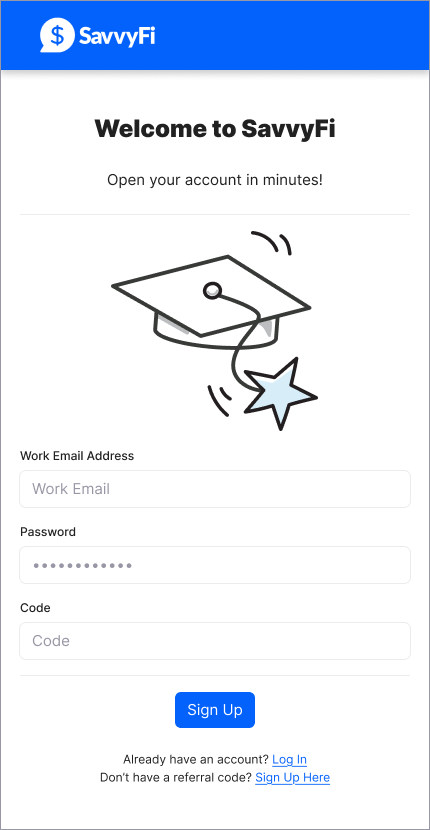
- Create your account. Enter your email address and create a password. Your password must contain at least 12 characters, including one uppercase letter, one lowercase letter, one number, and one special character (e.g., !@#$%).
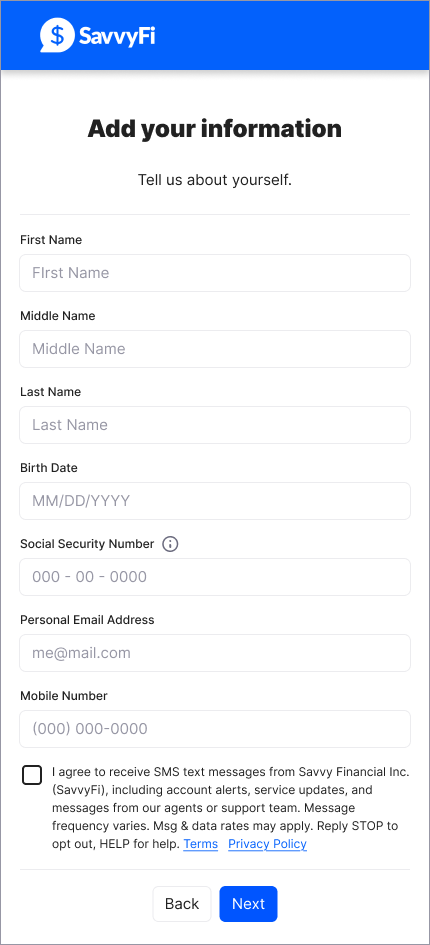
- Provide your personal information, including your date of birth and Social Security number. Be sure to check the box if you would like SavvyFi to send you text messages about your account. Terms of Use. Privacy Policy.
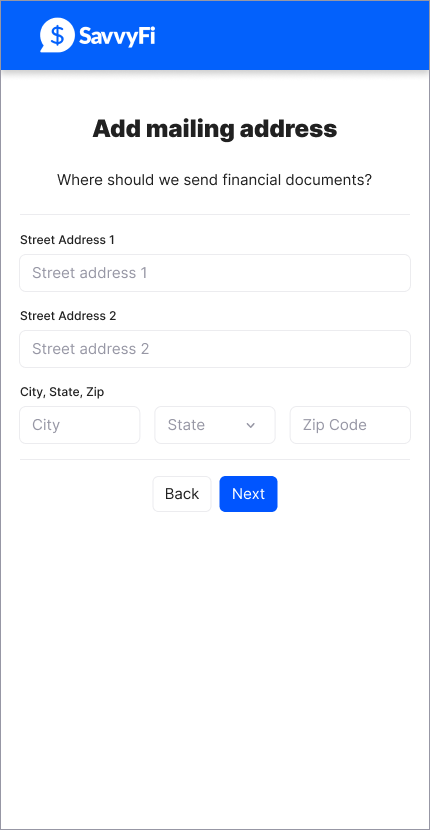
- Submit your contact details — your mailing address, a personal email address, and mobile phone number.
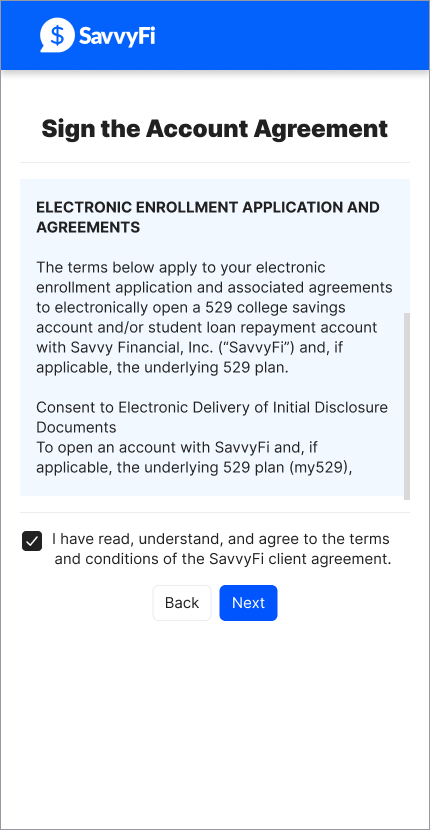
- Agree to the terms. Check the box to accept the SavvyFi client agreement.
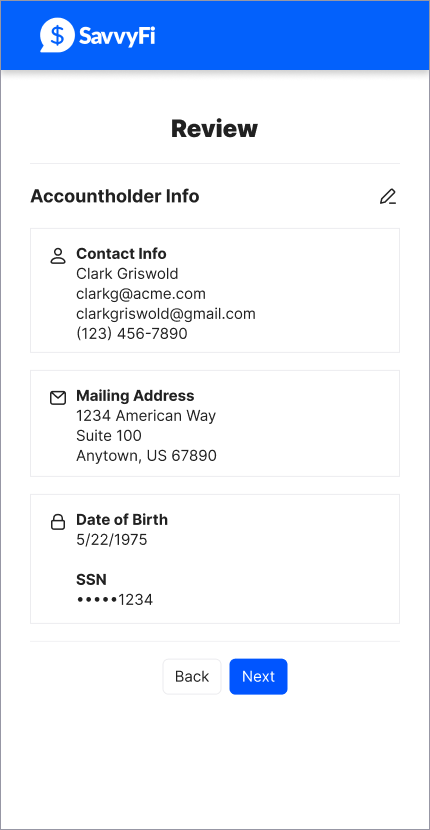
- Review your information. Confirm everything is correct, or edit any fields as needed, then click Next.
Was this article helpful?
That’s Great!
Thank you for your feedback
Sorry! We couldn't be helpful
Thank you for your feedback
Feedback sent
We appreciate your effort and will try to fix the article